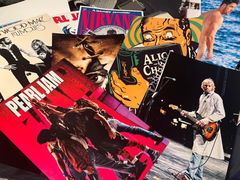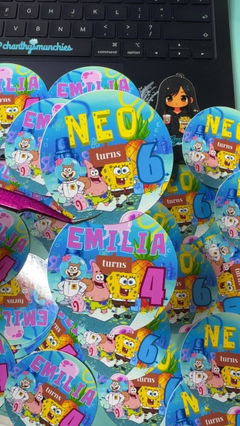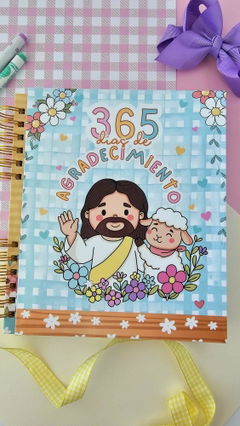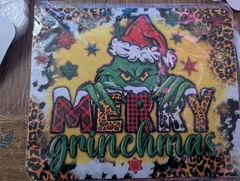
We have some awesome SVG designs available for you to use. Please note that these files are for personal use only and cannot be sold.
The files are suitable for -
✦ Cricut Maker / Cricut Explore
✦ Silhouette Cameo
✦ Other DIY Craft Cutters
Great quality and easy to use.
These sublimated beautifully. I went looking for times and temps in the reviews, but not a lot of people share that information, so I want to say what worked for me. Here's what I did, and it worked great the first time. I sized my image a little bigger, 9.5 in width, and 8 in height. I then placed a thin dish towel over my image and pressed the image for 60 seconds at 400 degrees. It came out vibrant and perfectly coated the full mouse pad. Would recommend. I'll be buying again.
Good paper, I always use A-sub 125g
I wanted to give this brand a try.
I feel like it does a good good job.
Paper is thinner the others. I also noticed a white powder reduce on my tumbler after baking, that came off easily with one wipe. But I've never had that happen before. My image wasn't over baked at all just left a light dust on the tumbler.
As far as pressing onto shirts and earrings ect. I felt like it had amazing ink release. Definitely recommend for blanks. I had no issues with paper jam. As I've never had issues with any paper jamming into my E4200. I recommend giving this paper a try.
I use the Epson F570 and wanted to try a different brand paper other than Epson due to cost. I was experiencing pinwheel marks with other brands that I’ve tried. Koala is the only brand that hasn’t given the pinwheel marks on prints. The ink release is amazing! The price is affordable. I highly recommend Koala sublimation paper.
Excellent paper and quality with a good finish perfect for making school labels or even printing digital papers for binding work.
Vivid non-smudge paper